
You know that sinking feeling when you have to make a big decision based on “best guesses”? I’ve been there. Whether it’s planning a budget or predicting sales, uncertainty can keep you up at night. That’s why I decided to write this Oracle Crystal Ball review. I wanted to see if this tool could really turn my messy spreadsheets into clear, actionable plans.
In this guide, I’m going to walk you through exactly what this software does and if it’s worth your time and money. I’ll share the good, the bad, and the real-life lessons I learned while using it. By the end, you’ll know if this is the magic wand your business needs or just another complicated add-on. Let’s dive in and see if we can take the guesswork out of your future.
What is Oracle Crystal Ball?
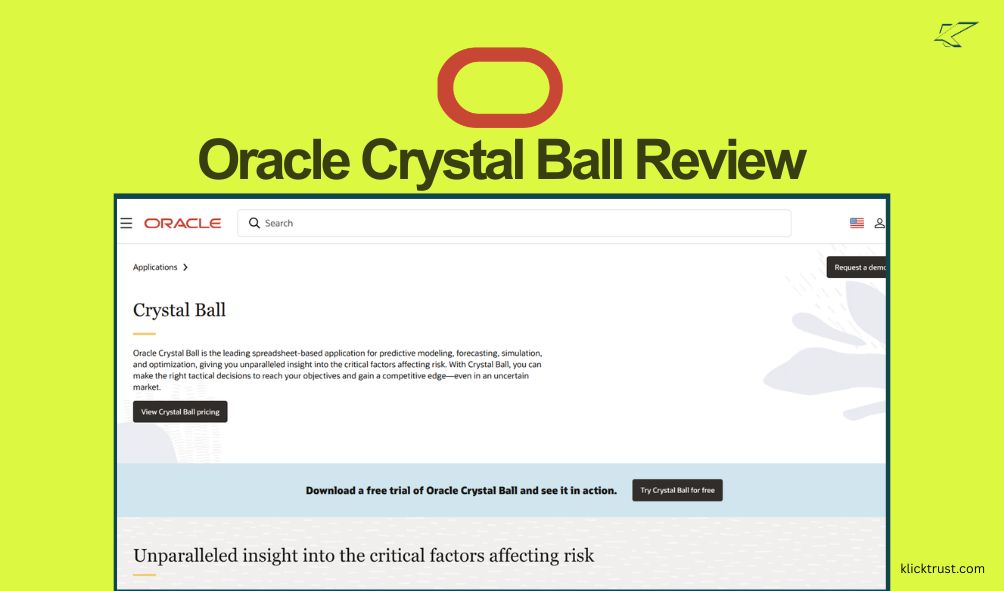
Think of Oracle Crystal Ball as a supercharged calculator for your “what if” questions. At its core, it is a spreadsheet-based application that helps you predict what might happen in the future. It doesn’t just give you one answer; it gives you a whole range of possibilities.
It works right inside Microsoft Excel, which is great because you don’t have to learn a whole new program. You take your existing data, and Crystal Ball runs thousands of simulations to show you the risks you might face. It’s like having a crystal ball (pun intended!) that uses math instead of magic.
This tool is huge for anyone who deals with uncertainty. I’m talking about financial analysts, engineers, or even small business owners trying to forecast next year’s revenue. It uses something called Monte Carlo simulation. That sounds fancy, but it just means it tests every possible outcome so you don’t get blindsided.
In short, it helps you make tactical decisions to reach your objectives. It gives you unparalleled insight into the critical factors affecting risk. If you want to gain a competitive edge in an uncertain market, this is the tool to look at.
Key Features and Benefits
When I first opened Crystal Ball, I was a bit overwhelmed. But once I started clicking around, a few features stood out. These aren’t just bells and whistles; they are practical tools that solve real problems.
Monte Carlo Simulation
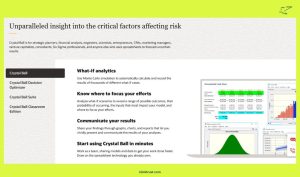
This is the star of the show. Imagine rolling a pair of dice thousands of times to see what numbers come up most often. Crystal Ball does this with your business numbers. It calculates and records the results of thousands of different “what-if” cases. It helps you see not just what might happen, but how likely it is to happen.
Forecasting and Optimization
Forecasting helps you look ahead. It analyzes historical data to predict future trends. But the optimization feature is where it gets cool. It helps you find the best possible solution while accounting for constraints. For example, if you have a limited budget but want maximum profit, this feature does the heavy lifting to find that sweet spot.
Decision Optimizer
This is an optional add-on, but it’s powerful. It adds advanced optimization capabilities to the simulation. It helps you identify feasible solutions that meet your specific risk and return profile. If you are dealing with complex operational models, this can save you hours of manual work.
Six Sigma Tools
For the process geeks out there (like me!), Crystal Ball includes tools for Six Sigma applications. It provides capability metrics and analysis tools. This is great for engineers or quality control managers who need to ensure their processes are running smoothly and efficiently.
Personal Experience with Oracle Crystal Ball
I remember the first time I used this tool for a project. I was trying to forecast the ROI for a new marketing campaign. Usually, I’d just plug in a “best case” and “worst case” scenario in Excel and hope for the best. It felt flimsy.
So, I fired up Crystal Ball. I defined my assumptions—things like ad cost, conversion rates, and customer value. Then, I hit the “Start” button. Watching the simulation run was oddly satisfying. It cycled through thousands of scenarios in seconds.
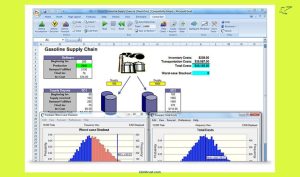
The result wasn’t just a number; it was a chart. It showed me that while making a huge profit was possible, the most likely outcome was actually lower than I thought. That was a wake-up call. It saved me from over-promising to my boss.
Another time, I used it to figure out inventory levels. I didn’t want to buy too much stock, but running out is bad for business. By simulating demand, I found a safe level of inventory that balanced cost and risk. It felt like I finally had data backing up my gut feelings.
Pros and Cons
Nothing is perfect, right? Here is the good and the bad based on my time with the software.
The Good Stuff (Pros)
- It’s in Excel: If you know Excel, you are halfway there. The integration is seamless.
- Visual Reports: The charts and graphs are beautiful and easy to read. They make complex data look simple.
- Deep Insights: It finds risks you didn’t even know existed. It makes you look really smart in meetings.
- Speed: It runs thousands of trials incredibly fast. You get answers in minutes, not days.
- Credibility: It’s an Oracle product. That name carries weight and reliability.
The Not-So-Good Stuff (Cons)
- Price: It is not cheap. For a small freelancer, the cost might be a hurdle.
- Learning Curve: While it’s in Excel, the statistics part can be tricky. You need to understand what you are looking at.
- System Requirements: It only runs on Windows. If you are a Mac user, you are out of luck unless you run a virtual machine.
- Overkill for Simple Tasks: If you just need to add up a simple budget, this is way too much power.
Pricing and Plans
Let’s talk money. Oracle doesn’t hide their pricing, which is nice. They offer a few different ways to buy, depending on who you are.
For a standard business user, a license for Oracle Crystal Ball (On-Premises) costs around $1,210. That is a one-time fee for a perpetual license. If you want the full suite, which includes the Decision Optimizer, the Oracle Crystal Ball Suite runs about $2,420.
They also have special pricing for schools. The Classroom Faculty Edition is cheaper, around $455, and the Student Edition (which expires) is geared towards academic budgets, though you usually buy seats in bulk.
Is it pricey? Yes. But you have to weigh it against the cost of making a bad decision. If this tool saves you from a $50,000 mistake, that $1,210 price tag looks pretty small.
How Oracle Crystal Ball Compares to Alternatives
You might be wondering, “Is there anything else out there?” Yes, there are a few big competitors. The main one is @RISK by Palisade (now Lumivero).
I’ve used both. @RISK is also very powerful and integrates with Excel. In my opinion, @RISK has a slightly more modern interface. However, Oracle Crystal Ball feels a bit more robust for heavy engineering or Six Sigma tasks.
Another option is RiskAMP. It is much cheaper and simpler. If you are on a tight budget and just need basic Monte Carlo simulation, RiskAMP works. But it lacks the deep optimization and forecasting power of Crystal Ball.
Ultimately, Oracle wins on integration if your company already uses other Oracle products. It fits right into that ecosystem. But if you are a standalone user, you should definitely check out @RISK too before buying.
Is Oracle Crystal Ball Right for You?
So, who is this actually for?
If you are a student learning about risk analysis, use the student edition. It is the industry standard, so learning it now will help you get a job later.
If you are a financial analyst or project manager dealing with big budgets, this is for you. The ability to show your stakeholders a probability chart instead of a guess is priceless.
If you are a small business owner with a simple business model, you might not need it. A simple spreadsheet might be enough. Don’t spend money on a Ferrari if you just need to drive to the grocery store.
My Final Recommendation:
If you deal with high-stakes decisions where being wrong costs a lot of money, get Oracle Crystal Ball. The peace of mind alone is worth it. But if you are just curious, download the free trial first. Play with it for a few weeks and see if it actually helps you.
FAQs
Is Oracle Crystal Ball free?
No, it is not free software. However, Oracle does offer a free trial. This allows you to test out the full features for a limited time before you commit to buying a license.
Does Crystal Ball work on Mac?
No, Oracle Crystal Ball is a Windows-only application. It runs as an add-in for the Windows version of Microsoft Excel. Mac users would need to use software like Parallels or Boot Camp to run Windows.
Do I need to be a math genius to use it?
You don’t need to be a genius, but basic knowledge of statistics helps. You need to understand concepts like “mean,” “standard deviation,” and “probability.” The software does the hard math, but you need to interpret the results.
Can I use it with any version of Excel?
It works with most modern versions of Excel on Windows. However, you should check the specific system requirements on the Oracle website to make sure your version is supported.
What is the difference between Crystal Ball and the Suite?
The standard Crystal Ball includes simulation and forecasting. The “Suite” adds the Crystal Ball Decision Optimizer. This extra tool helps you find the best business results while accounting for uncertainty and constraints.
Ready to Predict Your Future?
We’ve covered a lot of ground in this Oracle Crystal Ball review. We looked at how it uses Monte Carlo simulation to take the risk out of your plans. We saw that while it costs a bit of money, the insights can save you much more.
Uncertainty is scary. But tools like this give you a flashlight in the dark. You don’t have to guess anymore. You can make decisions based on data, facts, and probabilities.
If you are ready to stop guessing and start knowing, give it a shot. Go download the trial. Simulate your next big project. See what the future holds.
Trust me, once you see that first probability chart, you’ll never look at a static spreadsheet the same way again. Good luck!

Hi, I am the founder of KlickTrust. I’m a digital strategist and builder with a deep passion for creating systems that help people build faster online. I started KlickTrust to save creators, freelancers, and entrepreneurs from wasting months starting from scratch by giving them access to practical, ready-to-use digital tools, templates, and automation systems that actually work in the real world.
At KlickTrust, I focus on speed, trust, and empowerment, so you can launch, grow, and scale with confidence.

