
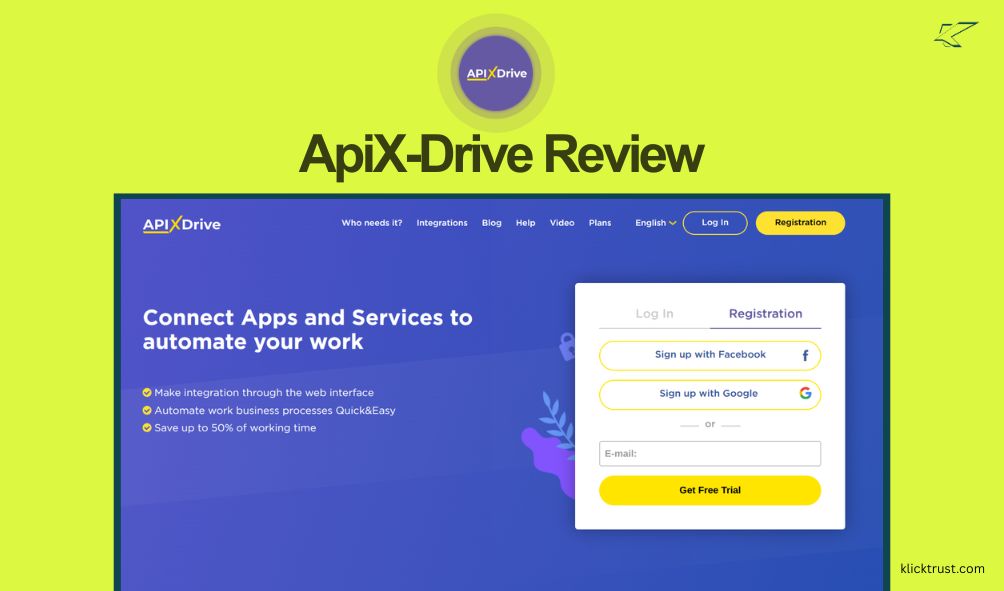
I know how it feels to drown in busy work. You copy data from one tab. You paste it into another. It drains your energy. I recently tested a tool that fixes this mess. In this Apix-Drive software review, I will show you how it works. If you want to save time, check out the AppSumo deal now.
Introduction to Apix-Drive
Let’s start with the basics. What exactly is this tool? Apix-Drive is a no-code integration builder. It connects your favorite apps.
Think of it as a digital bridge. It moves data for you automatically. You do not need to hire a developer. You do not need to know how to code.
The main problem it solves is manual data entry. We all hate doing that. It is boring and prone to errors. Apix-Drive automates these routine tasks.
For example, it can take a new lead from Facebook and put it into Google Sheets. It happens instantly. You can focus on real work instead.
I found this tool through an AppSumo deal. It caught my eye because of the price. Most tools like this charge a monthly fee. This deal offered lifetime access. That is a huge plus for small business owners like me.
First Impressions and Setup
I was a bit skeptical at first. Many tools promise “easy setup” but fail to deliver. My experience with Apix-Drive was surprisingly smooth.
I signed up and logged in. The dashboard is clean. It does not look cluttered or scary. You see big buttons and clear instructions.
The setup process is guided. It walks you through each step. You choose a data source first. Then you choose where to send that data.
I connected my Google Sheets account in seconds. I did not have to hunt for API keys. I just logged in with Google. It was very intuitive.
The user interface (UI) is simple. It uses a lot of green and white. It feels fresh. You do not get lost in complex menus.
I have used other tools that feel like rocket science. This felt like building Legos. It is designed for regular people, not just tech wizards.
Key Features and Functionality
Apix-Drive has a lot under the hood. It claims to have over 600 ready-made integrations. That is a massive number.
The Integration Library
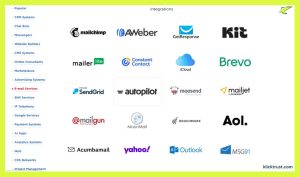
You can connect almost anything. It works with CRM systems, messengers, and email services. I saw options for Slack, Trello, and HubSpot.
It also supports marketplaces. If you sell on Amazon or Shopify, this is great. You can sync your orders automatically.
Webhooks
This is a nerdy feature, but it is powerful. Sometimes an app is not in their library. You can use Webhooks to connect it anyway.
It acts like a universal adapter. I used it to connect a custom form on my site. It worked perfectly. It makes the tool future-proof.
Mathematical Functions
You can tweak data before it moves. Let’s say you have a price in dollars. You can convert it to another currency.
You can also add tax or discounts automatically. The system does the math for you. This saves you from using a calculator later.
Auto-Updates
You control how often data moves. With the AppSumo deal, it can run every minute. That is very fast.
Some tools make you wait 15 minutes. In sales, speed matters. A one-minute update ensures your team sees leads right away.
My Personal Experience
I wanted to put Apix-Drive to a real test. I set up a common workflow for my business. I needed to track new leads.
The Scenario:
I run ads on Facebook. When someone signs up, I want two things to happen. First, save their info in a Google Sheet. Second, tell my team on Slack.
The Process:
- I selected Facebook as my source.
- I logged into my Facebook account via Apix-Drive.
- I chose the specific ad form to watch.
- Next, I connected Google Sheets.
- I mapped the fields. “Name” goes to column A. “Email” goes to column B.
- Finally, I added Slack as a second destination.

The Result:
It worked on the first try. I filled out a test form on Facebook. Within a minute, my phone buzzed. It was a Slack notification.
I checked my Google Sheet. The data was there. It was formatted correctly. I did not have to lift a finger.
Overcoming Challenges:
I did hit one small bump. I was confused about “Data Transfer” limits. I thought every field was a transfer.
I checked their help docs. It turns out a “transfer” is the whole row of data. That was a relief. The documentation is quite good. It has screenshots that help a lot.
Pros and Cons
No tool is perfect. Here is my honest list of the good and the bad.
Pros
- Lifetime Deal: You pay once and use it forever. This saves thousands of dollars compared to monthly subscriptions.
- Ease of Use: You truly do not need coding skills. The step-by-step wizard is excellent.
- Fast Sync: The 1-minute interval is a game-changer. Competitors often charge extra for this speed.
- Simple Logic: You can set rules. For example, “Only send leads from the USA.” This keeps your data clean.
- Support: I sent a test question to support. They replied quickly and were helpful.
Cons
- UI is Basic: The interface is simple, but maybe too simple. It lacks the polish of bigger competitors.
- Complex Workflows: It is great for linear tasks. If you need crazy complex loops, it might struggle.
- Translation: Some parts of the site feel like they were translated. The English is slightly off in rare spots.
- Brand Recognition: It is not as famous as Zapier. Some clients might not know it yet.
Pricing and AppSumo Deal
Let’s talk money. This is where Apix-Drive shines brightest.
Standard automation tools are expensive. You usually pay a monthly fee. It adds up fast.
The AppSumo Deal Tiers:
- License Tier 1 ($69): You get 250 connections. You get 50,000 actions per month. This is plenty for most small businesses.
- License Tier 2 ($139): You get 500 connections. You get 100,000 actions. This is good for agencies.
- License Tier 3 ($249): You get 1,000 connections. You get 200,000 actions. This is for power users.
All these tiers include lifetime access. You never pay a monthly fee again.
Is it worth it? Yes. Consider the alternative. A similar plan on Zapier could cost you $50 every month. In one year, that is $600.
With Tier 1, you pay $69 once. You break even in two months. The ROI (Return on Investment) is massive.
Plus, AppSumo offers a 60-day money-back guarantee. You can buy it and try it. If you hate it, you get your money back. There is zero risk.
Who is Apix-Drive For?
This tool is not for everyone. But it is perfect for specific people.
Small Business Owners:
You wear many hats. You do not have time for data entry. This tool buys you time. You can focus on growing your business.
Marketing Agencies:
You handle leads for clients. You need to move data fast. Apix-Drive helps you automate reporting. Your clients will love the speed.
E-commerce Stores:
You sell on Shopify or WooCommerce. You need to sync inventory. Or you need to add customers to an email list. This tool automates those steps.
Non-Tech Founders:
You cannot code. You cannot afford a developer. Apix-Drive lets you build powerful systems on your own. It empowers you to build.
Alternatives to Apix-Drive
You might be wondering about other tools. How does it stack up?
Zapier:
This is the big player. It has more integrations. It looks prettier. But it is very expensive. The free plan is very limited. Apix-Drive is much cheaper.
Make (formerly Integromat):
Make is powerful. It allows for very complex visual workflows. But it has a steep learning curve. It can be confusing for beginners. Apix-Drive is easier to learn.
Pabbly Connect:
Pabbly also offers lifetime deals. It is a strong competitor. However, Apix-Drive’s interface feels slightly more linear and guided for beginners.
When to choose alternatives:
If you need an integration for a very obscure app, check Zapier first. If you need complex branching logic, try Make. But for straightforward tasks, Apix-Drive wins on price and simplicity.
Tips and Tricks for Maximizing Apix-Drive
I learned a few things while using it. Here are my top tips.
- Use the Test Feature: Always load test data. Do this before you turn on auto-updates. It prevents messy data errors.
- Name Connections Clearly: Do not just name it “Connection 1.” Name it “Facebook Leads to Slack.” You will thank yourself later.
- Check the Filters: Use the filter function. It stops bad data from getting through. For example, block emails that do not have an “@” symbol.
- Start Simple: Build a simple 1-to-1 connection first. Once that works, add more steps. Do not try to build a spaceship on day one.
- Watch the Videos: Their YouTube channel has good tutorials. They are short and to the point. They helped me fix a webhook issue.
FAQs About Apix-Drive
Is Apix-Drive really free to try?
Yes. You can sign up for a free trial on their site. But the AppSumo deal is a paid lifetime offer.
Does it work with WordPress?
Yes. It connects easily with WordPress. You can sync form submissions or user registrations.
What happens if I exceed my limits?
The automation might pause. You will need to upgrade or wait until next month. The AppSumo limits are very generous, though.
Is my data safe?
Apix-Drive uses secure connections. They are GDPR compliant. They do not store your data permanently. They just move it.
Can I get a refund?
If you buy through AppSumo, yes. You have 60 days to ask for a refund. No questions asked.
Final Verdict
So, what is the verdict? I have tested many automation tools. Apix-Drive stands out for two reasons: simplicity and price.
It does not try to be the fanciest tool. It just wants to get the job done. It moves your data reliably. It saves you from boring manual work.
The AppSumo deal makes it a no-brainer. The cost is so low for the value you get. Even if you only use it for one task, it pays for itself.
If you are tired of copy-pasting, give it a shot. You have nothing to lose with the refund policy. Your time is worth more than $69.
Ready to automate your life?
[Check out the Apix-Drive deal on AppSumo here.]
Start saving time today. You will wonder how you lived without it.

Hi, I am the founder of KlickTrust. I’m a digital strategist and builder with a deep passion for creating systems that help people build faster online. I started KlickTrust to save creators, freelancers, and entrepreneurs from wasting months starting from scratch by giving them access to practical, ready-to-use digital tools, templates, and automation systems that actually work in the real world.
At KlickTrust, I focus on speed, trust, and empowerment, so you can launch, grow, and scale with confidence.

